Products2026ReleasedFlagship
Stepsmith
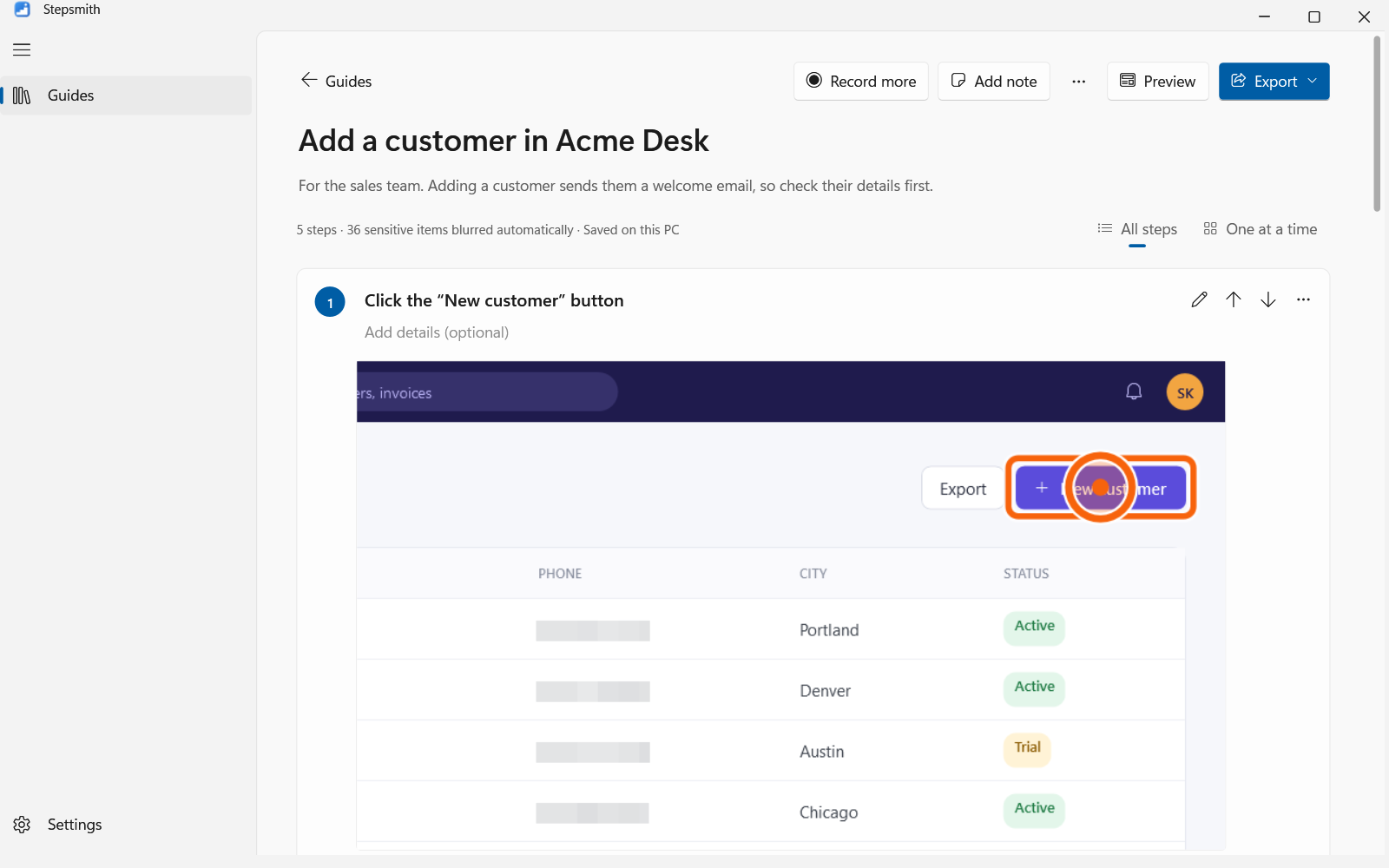
A Windows 11 app that turns a task done once into a step-by-step guide with screenshots, blurs sensitive data on the PC, and exports to PDF, Word, HTML and Markdown.
- Clicks become written steps through Windows UI Automation, with no AI and no cloud
- On-device OCR covers emails, card and ID numbers before a screenshot is saved
- Its own PDF writer with AES-256 protection and embedded fonts
- Signed license keys with per-PC activation served by this site
C# / .NETWPFUI AutomationWindows OCRNext.js
Product sitePrivate repo
Case study
- Challenge
- Windows Steps Recorder is being retired, and the cloud tools that replace it upload screenshots of internal systems: a non-starter for shops, hospitals and regulated teams documenting their procedures.
- Before
- Writing procedures by hand (screenshot, paste, crop, describe, repeat) or recording videos nobody can skim, with sensitive details visible in every frame.
- What I built
- Built Stepsmith in C#/WPF. Input hooks and Windows UI Automation turn each click into a written step; Windows' own OCR blurs emails, card and ID numbers before a screenshot is saved; and exports include a PDF writer of my own (AES-256 protection, embedded fonts for any language). Licensing uses signed keys with per-PC activation through this site.
- Results
- A complete product with its own site: a guide takes as long as doing the task once, works offline, and never uploads a screenshot.