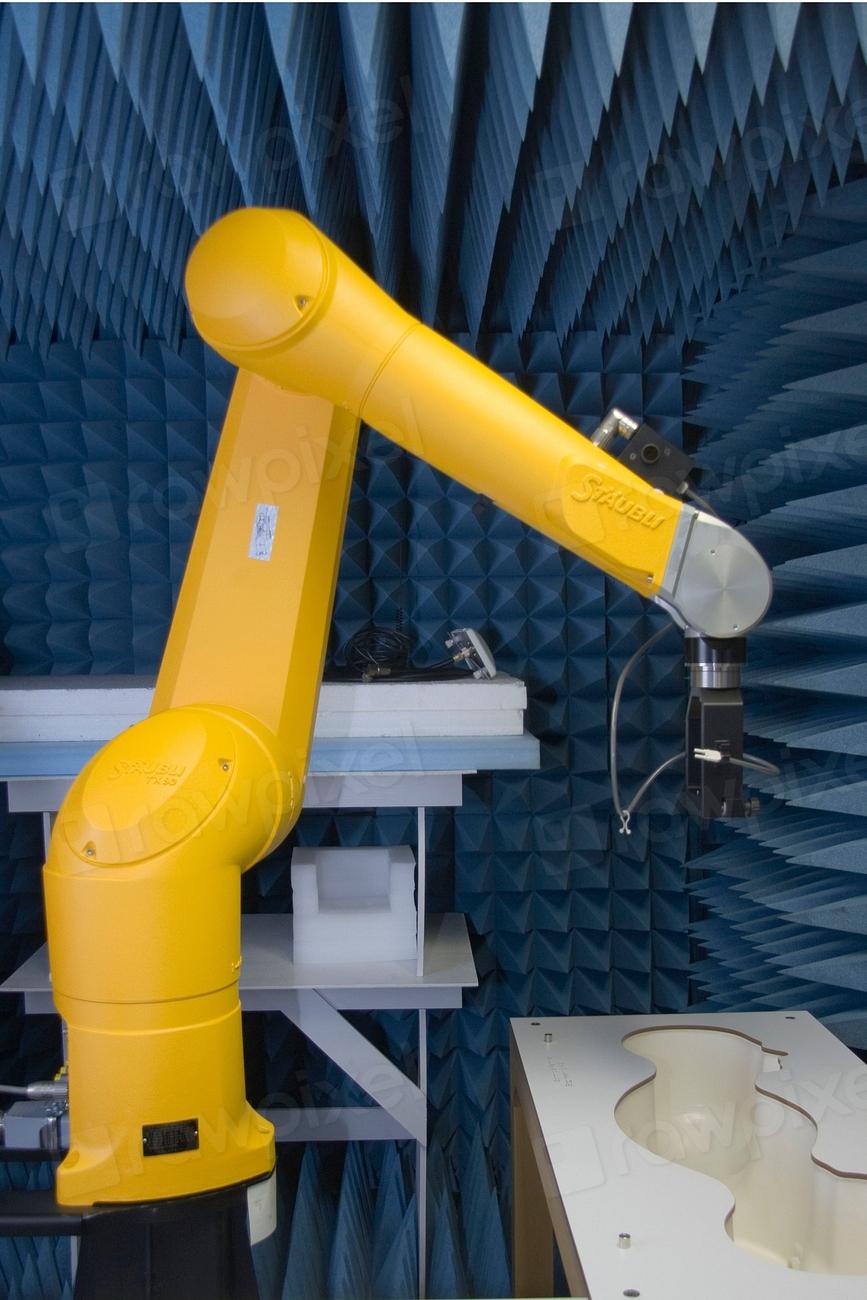
For full-scale production, the robotic cell manager has to mirror the ERP. Every order, due date, and quantity in the ERP needs to exist — correctly — in the cell. The way it worked before: a person read the ERP and typed orders into the cell manager by hand, then corrected them whenever anything changed.
At small volumes that's tedious. At large volumes it's hours of work and a steady source of human error — a transposed serial number, a missed quantity change, a due date that quietly went stale.
A bridge, not a rewrite
I didn't try to replace the ERP or the cell software. I built a bridge between them: a Python application, structured with OOP and a Tkinter GUI, that reads live order data from the ERP through its Teamwork API and posts it to the cell manager over XML.
ERP (Teamwork API)  ──fetch──►  Python app  ──XML──►  Robotic cell manager
                                   │
                              validation +
                              warning prompts
The GUI matters more than it sounds. The people creating orders aren't writing code, so the tool had to be foolproof: clear fields, validation on everything that can be mistyped, and warning prompts before anything irreversible.
Validation is the feature
The speed-up is nice, but driving error to zero is what made it trusted. Serial numbers, quantities, and dates are validated against the ERP before they post — the app refuses to create a bad order rather than letting you fix it later.
Why OOP earned its keep
Orders, line items, and the cell payload are natural objects. Modelling them as classes meant the validation rules lived with the data, the XML serialization was one method, and adding a field later didn't mean hunting through procedural code. The structure is what let a shop-floor tool stay maintainable.
The outcome
Order creation and updates that took hours now take seconds — a 90%+ reduction — and the class of mistakes that used to slip through (especially serial numbers) went to zero. The person who used to re-key orders got their afternoon back, and the cell stays in sync with the ERP automatically.
The best shop-floor software isn't the flashiest — it's the one that refuses to let a tired human make the mistake at 2am.