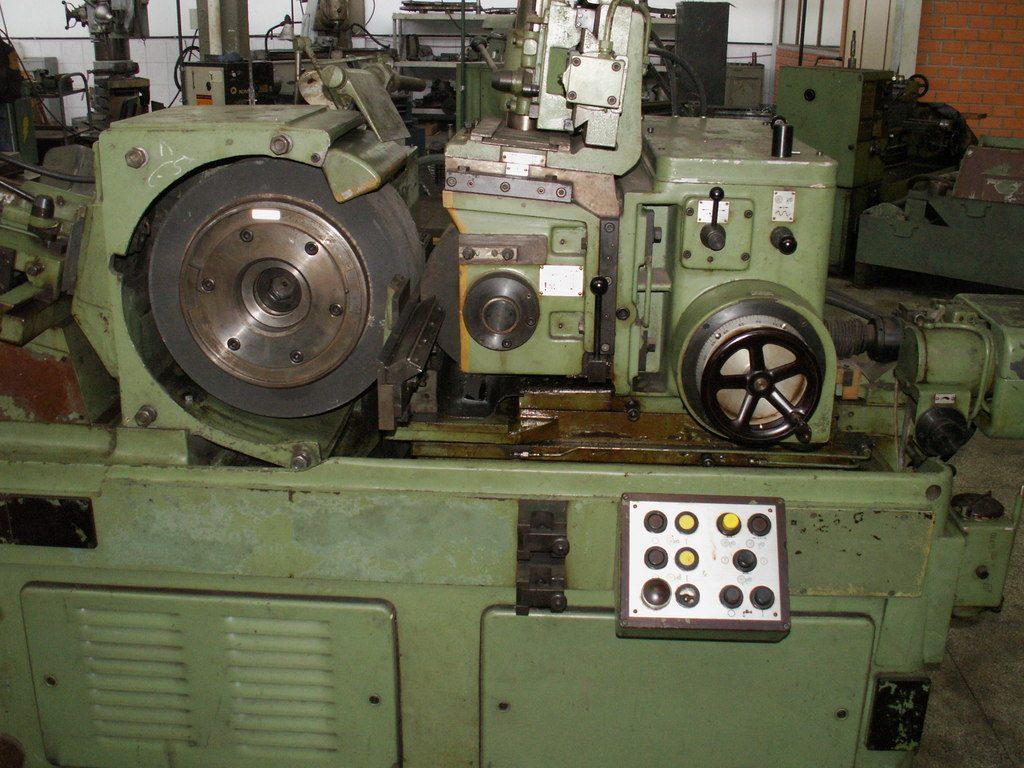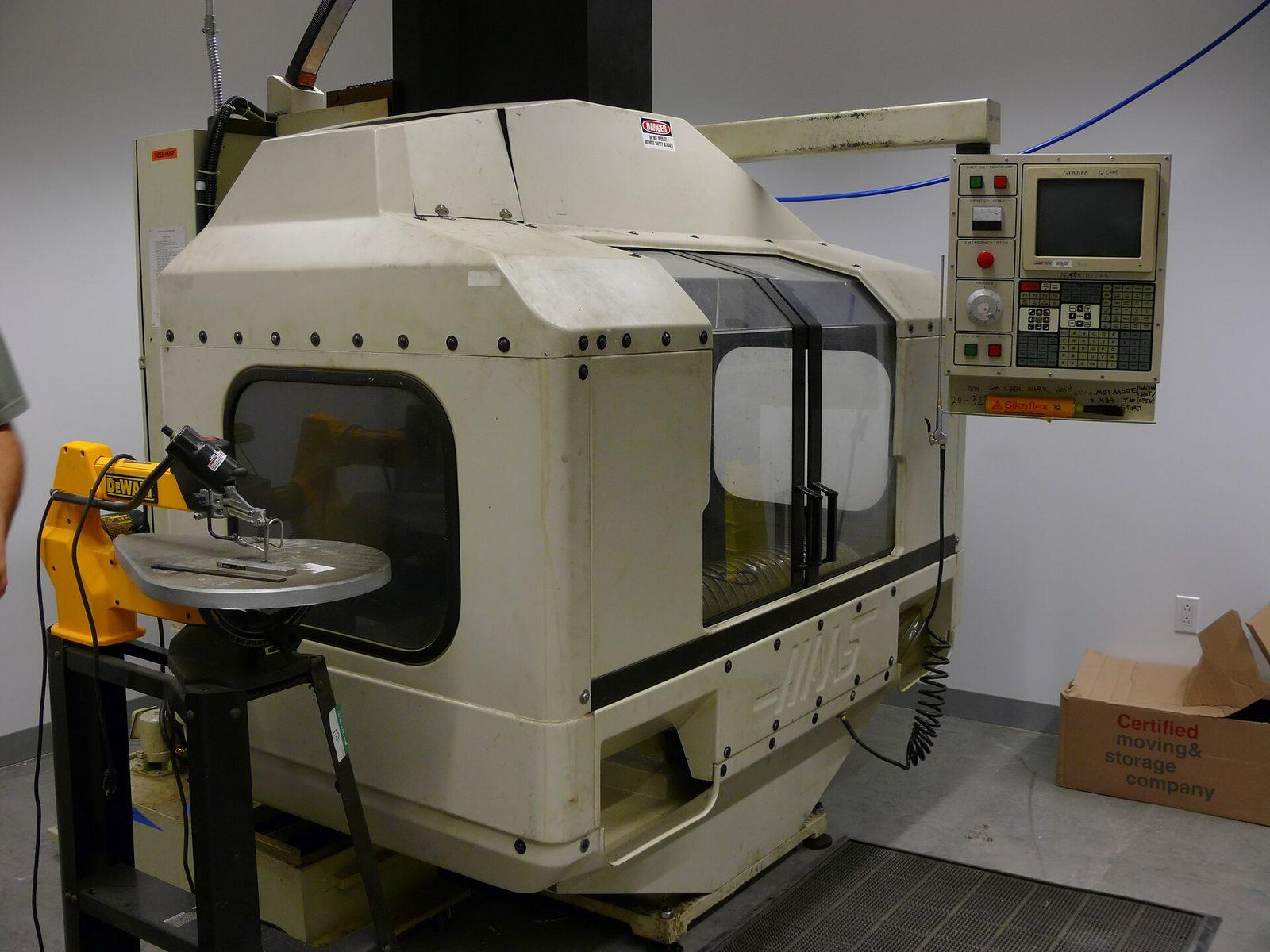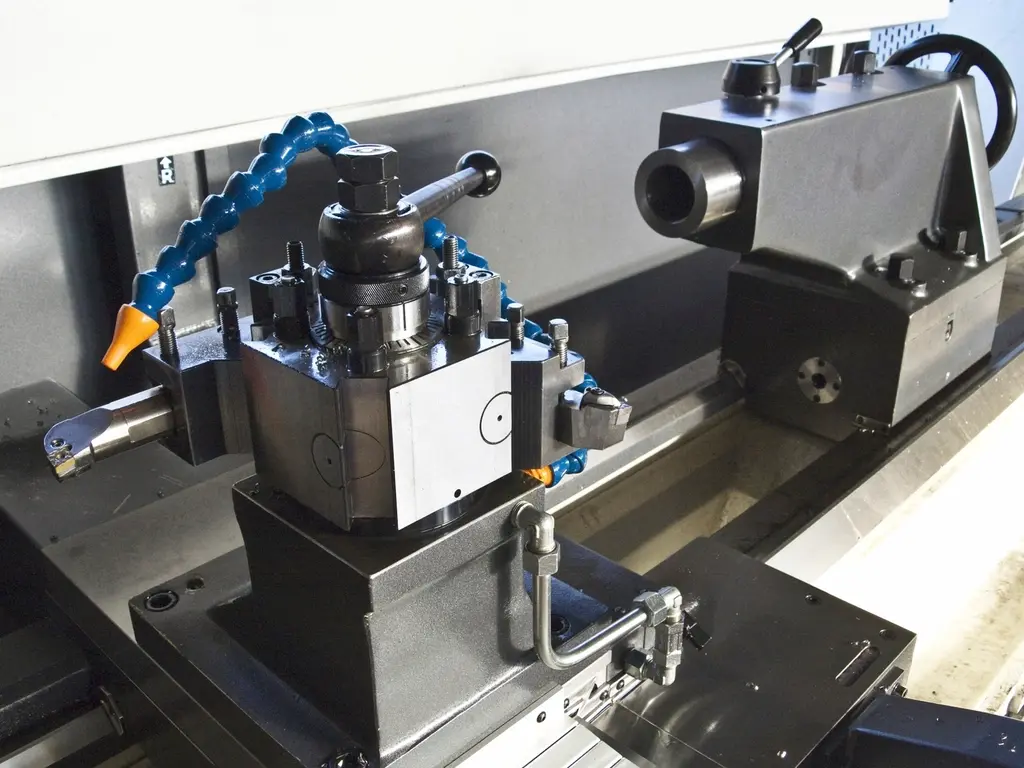
When a job runs long, the instinct is to push the feed rate. But on a multi-flute carbide tool, the cutting moves are rarely the problem. The problem is everything between the cuts — the retracts, the repositioning, the safe rapid arcs the grinding software inserts because it doesn't trust the geometry. On one job, those non-cutting moves were eating more than half the cycle.
The fix wasn't a faster wheel. It was replacing the canned link moves with custom spline links modeled in Rhino + Grasshopper, so the wheel travelled the shortest collision-free path from the end of one pass to the start of the next.
Where the time actually goes
I pulled the program apart and timed it by motion type. Roughly speaking:
- Cutting moves — the passes that remove stock. Already near optimal.
- Approach / retract — lifting clear and diving back in, repeated dozens of times.
- Linking — the wheel travelling between features, on conservative arcs.
The last two categories were the slack. Default links are generated to be safe for any geometry, which means they assume the worst about clearances. On a known tool with a known blank, most of that caution is wasted travel.
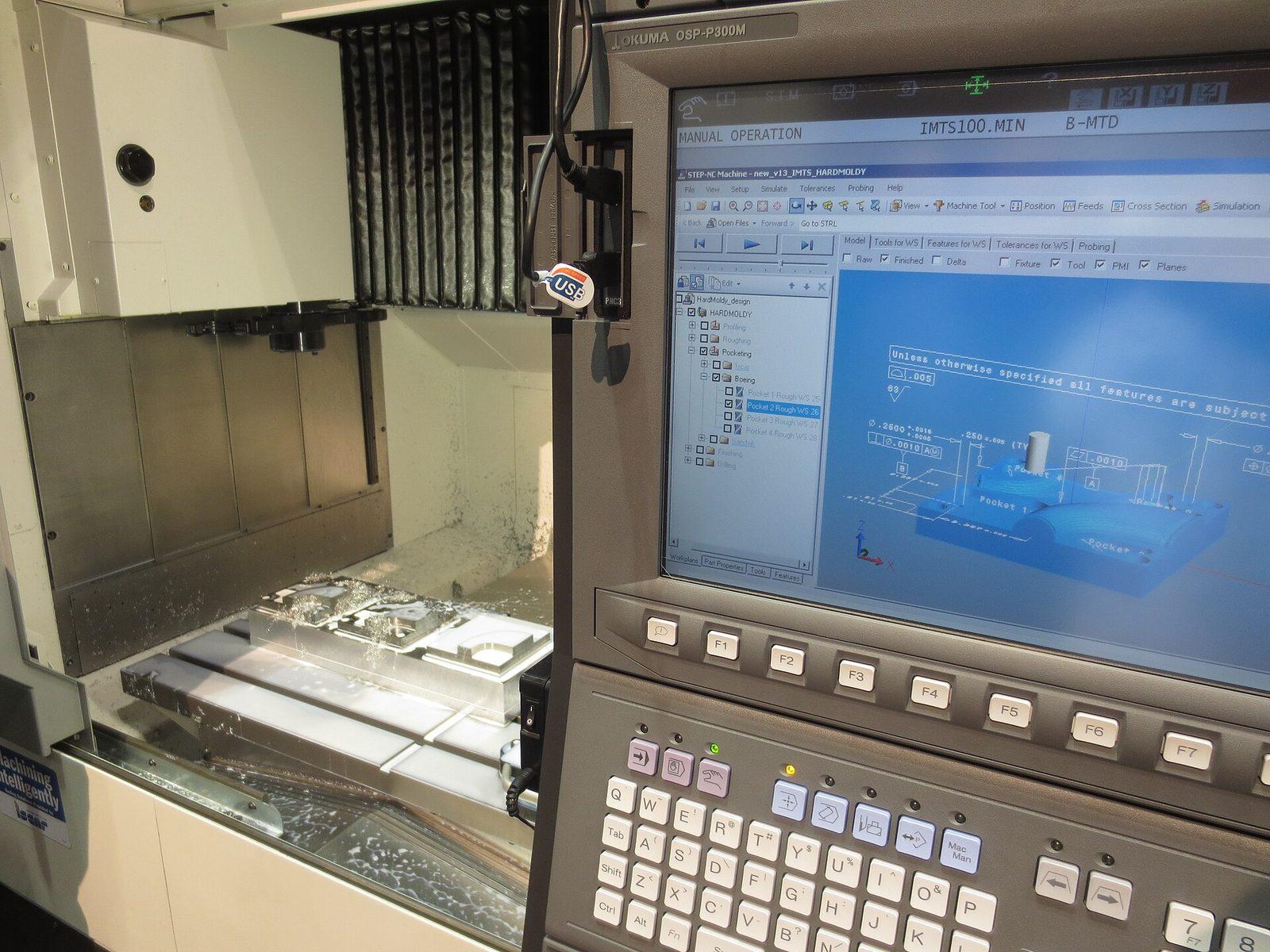
Modelling the link instead of accepting it
In Grasshopper I took the exit point and tangent of one pass and the entry point and tangent of the next, then fit a spline that honoured both tangents and stayed outside the tool, blank, and wheel pack. Because the link is a real curve in the same coordinate system as the part, I could check clearance visually with a slider before it ever reached the machine.
Why tangency matters
Matching the tangent at each end means the wheel never has to stop and change direction at the join. Smoother motion means you can keep the link feed high without chatter at the transition — that's where a lot of the saved time comes from.
The result
The job dropped from 45 to 20 minutes — a 45% cut — with no change to the cutting parameters and no new risk at the cutting edge. Multiply that across a lights-out night and it's the difference between one tray of parts and two.
Half of "machining faster" is just refusing to move the tool when it isn't cutting.
The broader lesson: treat the linking motion as something you design, not something the post hands you. The geometry is already in your CAM model — use it.